
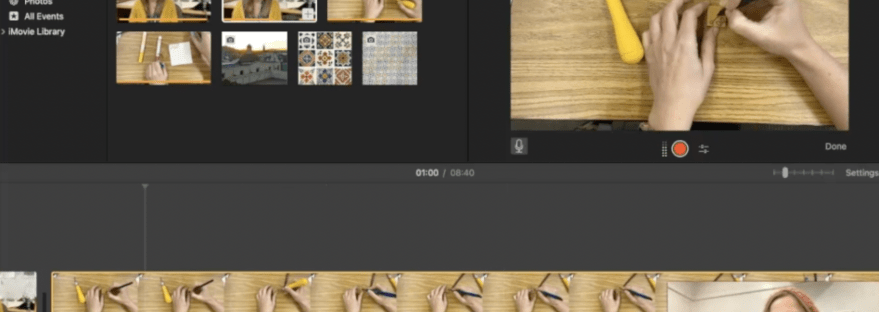
Recently I attended a PD about flipped classrooms where students complete readings, lectures, and/or research prior to the start of class. In this age of technology, I loved this idea. However, I also worry about the digital divide so I thought I could include the flipped classroom format into my daily routine. During the pandemic, I started to learn how to use iMovie in order to create videos for my students Now, I use those skills to make video demonstrations that they can watch at their own pace after I demonstrate it live.
Applications for iMovie
- Demonstrating an art process for a lesson
- Discussing art and artists
- Using Edpuzzle to create interactive question and answer videos
- Using Screencast-o-matic to demonstrate digital art and online design tools
I signed up to teach my own PD about how to use iMovie for beginners. It is actually rather easy once you start using the program. Anything I didn’t know how to do, I would look up or watch a YouTube video on and add it to my repertoire. As part of the PD, I created a video of what I was going to teach during my presentation as a way to show the real life application of using iMovie. There are other online tools that also can edit and create video, such as Canva (which is free for educators), but I became familiar with iMovie so that is what I use the most.
In this video, you’ll learn how to
- Import media
- Crop video
- Adjust audio/add audio
- Change the speed of vidoes
- Add visuals to videos
- Finish formatting with titles and transitions
Again, the hardest part is starting out. The more you use the tool, the easier it becomes. Hopefully this video helps get you started.

 In the Art Room with Mrs. D